Keep the tools your team loves. CreativeWorks connects them.
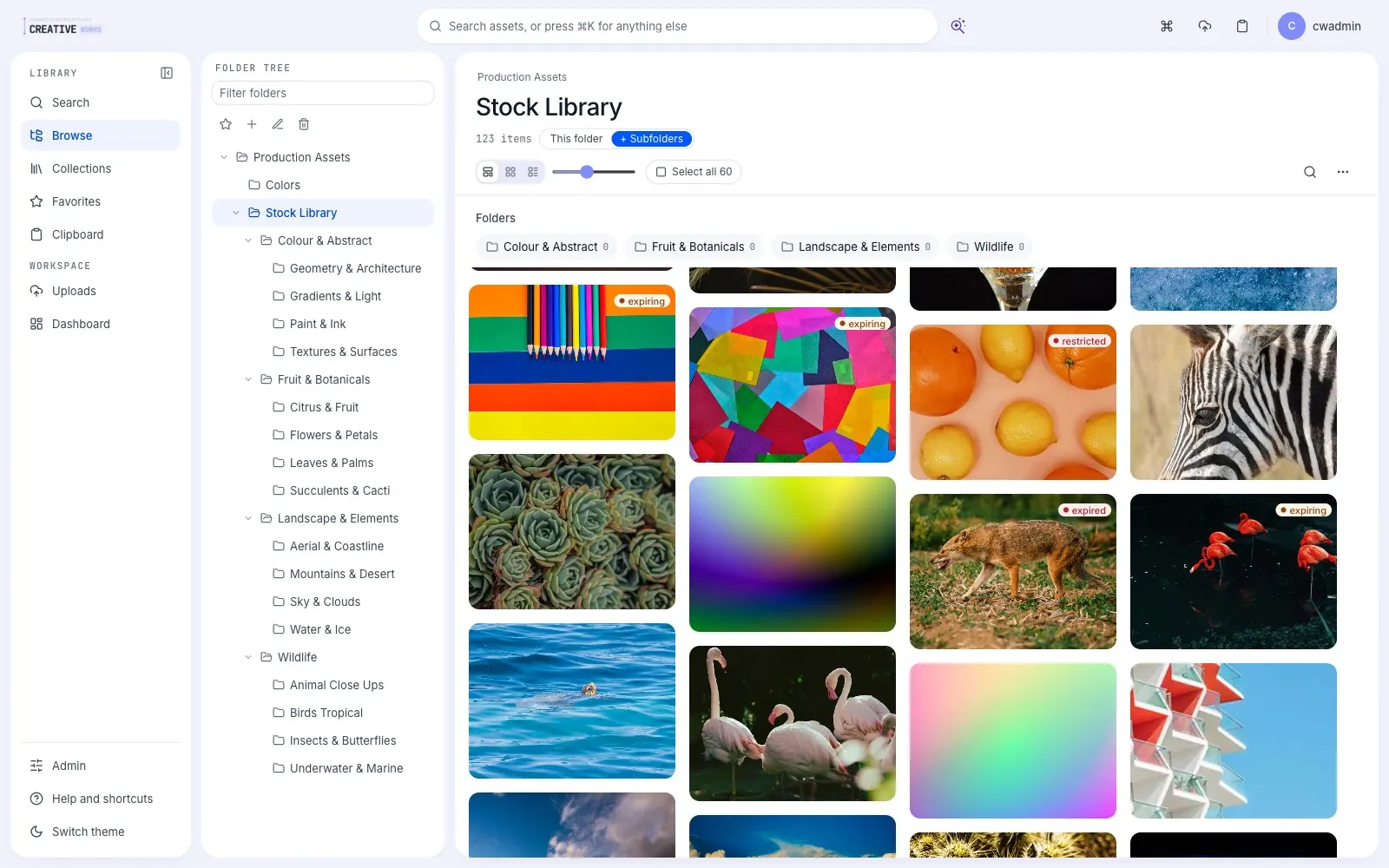
Connect is our orchestration engine. It ties CreativeWorks to the tools in your stack. If a tool changes, we fix one connector and nothing else breaks. Already have a DAM? Connect layers over it and moves your library in the background. No migration project, no cut-over, no lock-in.
The DAM that meets you where you are.
Start with the stack we'd pick, or bring the tools you already love — CreativeWorks ties them into one continuous flow of work.
 CI Hub
 Egnyte
 CreativeWorks AI

 CI HubEgnyteCW AI
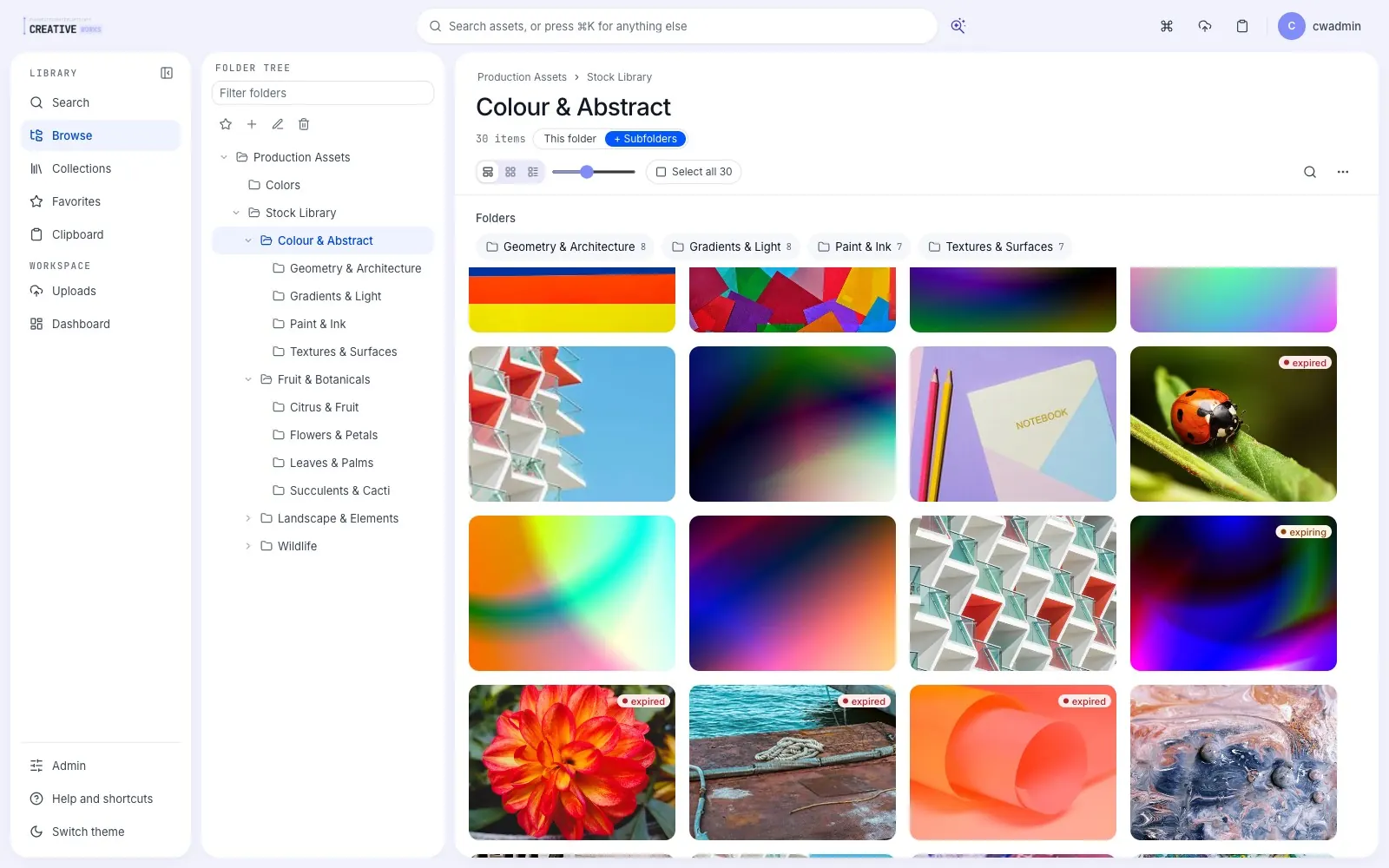
At the heart of it all: Connect.
Connect is our orchestration engine — the quiet intelligence that lets every part of your stack work as one. It's the reason CreativeWorks isn't just another platform, but an ecosystem you can shape around your business.
Swap your storage. Update your AI model. Change your project management tool. With Connect underneath, the experience your team relies on never breaks. No vendor lock-in. No painful migrations.
One ecosystem. Endless configurations. Zero lock-in.
Works with the tools you already run on.
Your existing DAM, storage, creative apps, project management, productivity — and room for yours. All integrations →




Questions, answered straight.
Existing DAMs like Adobe Experience Manager, Bynder, Aprimo, Canto, Brandfolder and Frontify; storage like SharePoint, Google Drive, Box, Egnyte, LucidLink and CI Hub; project management like Workfront, Asana and Jira; creative apps like Photoshop, Figma, Canva and Microsoft 365 — plus your own AI models. Our engineers build new connectors when needed.
Box and SharePoint store files but do not understand your workflow. CreativeWorks is a modern DAM powered by Connect. It syncs your assets with Adobe and Workfront so your team works across them as one platform. If you have a DAM, bring it; we move you over gradually.
Not up front. Connect layers over your existing tools and moves your library in the background. Onboarding happens in weeks, not quarters — no project, no freeze, no cut-over date.
Yes. Your existing DAM keeps running while your team works in CreativeWorks. Assets and metadata move over step by step; you decide if and when the old system retires.
You change them — CreativeWorks doesn't break. Swap storage, PM tools or AI models without disrupting the unified experience your team depends on.
Yes — that's the point of the orchestration layer. Plug in your governed corporate AI stack and Remy runs on it.
Tell us your stack. We'll show you the flow.
See Connect doing real work with real tools in a five-minute demo video. No sales call required.